








Customer line 9 am - 6 pm: +420 774 590 258 | Do you need help?
| Price in e-shop with VAT: | 16,35 € |
|
Stock
Tuesday 24.11. you can have it at the Nademlejnská central store Wednesday 25.11. it can be at your place |
|
|
|
Buy |
| Buy | |
|
35 years in business = safe shopping and professional service |
|
Don't know how to choose? Are some parameters not clear to you? Write us your question and we will contact you with an answer.
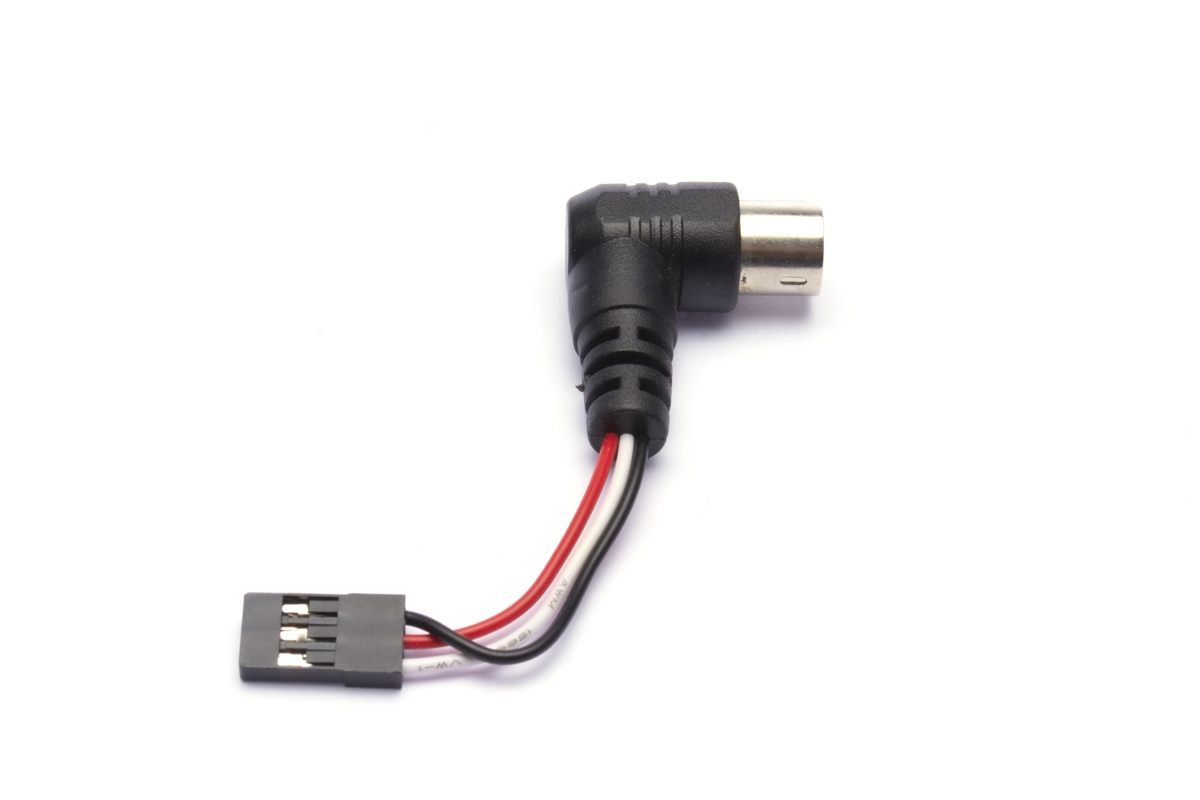
Send a questionThe cable for the wireless trainer-student system enables a wireless connection between two Radiolink transmitters. It serves as an adapter plugged into the trainer socket on the instructor transmitter, to which a receiver with a PPM output paired with the student transmitter is connected.
Instructor transmitter
The instructor transmitter (AT9S or AT10II) is paired with the receiver in the model to be controlled using the trainer-student system. The model is programmed in the instructor transmitter's memory, test-flown, and all controlled functions are checked to ensure they work correctly. In the BASIC/Trainer menu, control handover between the instructor and student is activated; if required, the channels to be handed over to the student and the handover method can also be programmed. To begin with, we recommend using „FUNC“ mode, which uses the model settings stored in the instructor transmitter's memory, while only the control stick movements are taken from the student transmitter (this makes it possible, in principle, to control, for example, a helicopter model using a student T8FB, even though the T8FB does not have a helicopter program).
Student transmitter
The student receiver (T8FB, AT9S or AT10II) is paired with a compatible receiver set to operating mode with a serial PPM output. If the student transmitter allows it, set the same model type and other parameters as on the instructor transmitter (this is not necessary when using „FUNC“ mode).
Getting started
1. Switch on the student transmitter.
2. Switch on the instructor transmitter and connect the cable for the wireless trainer-student system, with the receiver attached, to the Trainer socket on the instructor transmitter. Make sure the receiver is operating in a mode with PPM output enabled and that the connection cable is plugged into the correct receiver socket (see the receiver's instruction manual).
3. Switch on the model and check that it is controlled correctly by the instructor transmitter.
4. Set the trainer-student switch on the instructor transmitter to the on position to hand over control to the student. Now check again that the model is controlled correctly by the student transmitter. Check that the neutral positions are correct (the servos must not change position when control is handed over), and that the direction and range of travel of all control surfaces and other controlled functions are correct. Adjust the student transmitter settings as needed.
5. You're ready to take off!
Package contents: Cable for the wireless trainer-student system, instructions.
This website is using cookies
In order to improve our services, we use cookies on this website. For more information go to Terms and conditions for use of website.